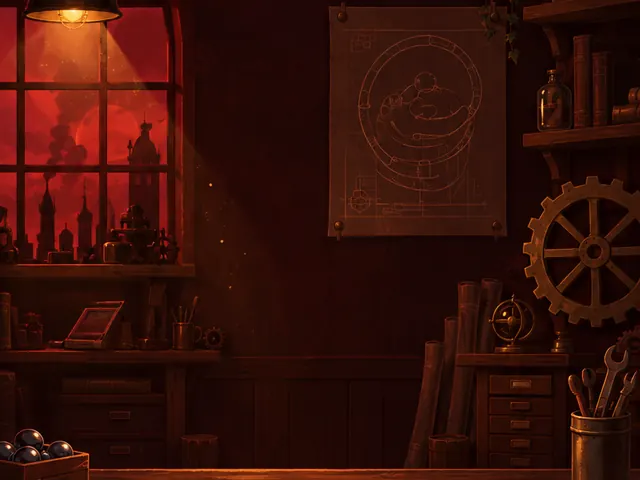
Workshop 1 New: Planks & spinners
Brass Workshop
Pegs, spring bumpers, planks and spinners. Learn to steer the marble from the chute into the cup.
New: Planks & spinnersPinwick is a little brass robot with a workshop full of marble runs that don’t quite work yet. Drop pegs, bumpers, planks and magnets onto the table, launch the marble and watch it roll from the chute into the cup. Light all five workshops and fill Pinwick’s shelves.

Each table has a chute at the top and a cup at the bottom. Your job is to build the machine in between.

Drag parts from the tray onto the glowing sockets. Tilt planks with their brass handles, tap spinners, magnets and fans to change how they work.


Tap Launch Marble. The physics run the same way every time, so a machine that works once works always. Speed it up if you like.


Pass every gate in order and drop the marble into the cup. If it falls off the table or gets stuck, tweak a part and try again.
Get the marble into the cup.
Use no more parts than the level’s par.
Roll through every spark on the table.
Each workshop opens a new kind of machine part. Solve the last table of a room to light its lamp and open the next one. 300 stars in total.
Pegs, spring bumpers, planks and spinners. Learn to steer the marble from the chute into the cup.
New: Planks & spinners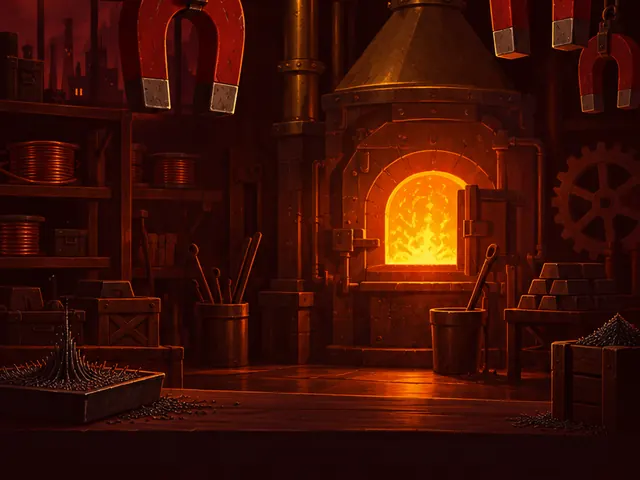
Magnets pull or push a rolling marble. Tap one to flip its polarity and bend the path.
 New: Magnets
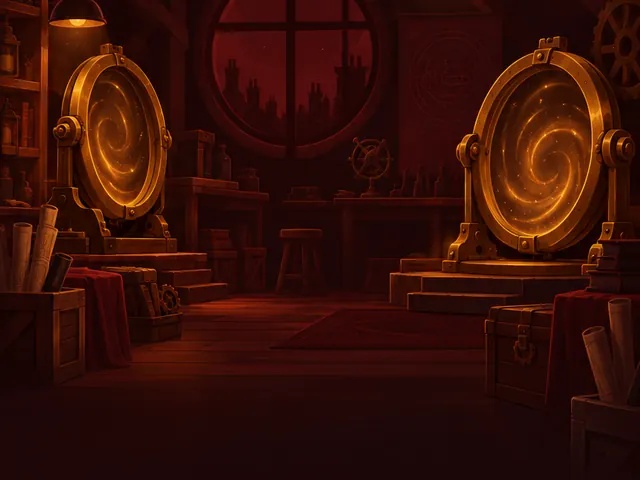
Teleporters swallow the marble at A and fire it out of B. Tap B to aim the exit.
 New: Teleporters

Ice plates have no friction and booster slopes speed the marble along their arrows.
 New: Ice & boosters

Fans blow the marble away from their blades. Every part you know comes together.
 New: Fans
Every part follows simple, honest physics. Learn how each one moves the marble and combine them into a machine.
A small brass pin. It nudges the marble to one side.

Kicks the marble back harder than it hits.
Drag the brass handles to tilt it in 15° steps and steer the marble.

Spins all the time and swats the marble. Tap it to flip the spin.
Attracts or repels the marble. Tap it to flip polarity.
The marble enters A and leaves B. Tap B to aim the exit.
No friction at all: the marble glides straight across.

Speeds the marble along the arrows.
Blows the marble away from its blades. Tap to turn it by 90°.
After Level 3 a new table waits for you every day. Solve it to keep your streak lamp lit. Streak milestones unlock special marbles:
| Streak | Reward |
|---|---|
| 3 days | Honey marble |
| 7 days | Comet marble |
| 14 days | Sunburst marble |
| 30 days | Galaxy marble |
After Level 5 the Sandbox opens. Build any machine you like with pegs, gates and sparks, and save it to one of six slots.
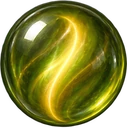
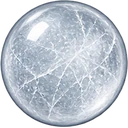
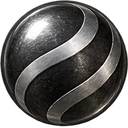
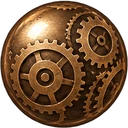
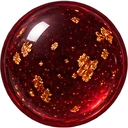
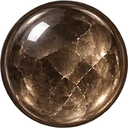
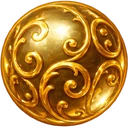
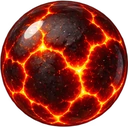
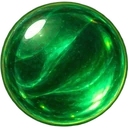
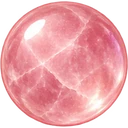
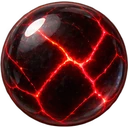
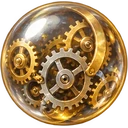
Earn stars, keep streaks and finish workshops to unlock 24 marbles to roll and 12 pieces of decor for Pinwick’s bench.
















Stuck? Each level has up to three hints that show where a part should go.

Plays fully offline. No account, no ads, no tracking, no in-app purchases. Your progress stays on your device.